A script, written for you
The producer turns your idea into a short script, using your own Claude or ChatGPT sign in.
Reelhouse is a Mac app for creators, founders and small brands. Give it an idea, and an AI producer writes, voices and animates every scene, then hands you a finished vertical reel with a cover and a caption.
Just an email, no card. Everything runs on your Mac.
The problem
A hook that lands in the first second. A voice that sounds right. Scenes that move with the words. A cover, a caption, the right size for the feed. Most people who want to teach on Instagram stop somewhere in the edit.
Reelhouse does those jobs in order and shows its work as it goes. You keep the decisions: what to say, what to change, and when to post.
Why Reelhouse
The producer turns your idea into a short script, using your own Claude or ChatGPT sign in.
Use a voice that runs on your Mac, or your own ElevenLabs key.
Every scene is designed and animated in code for what that line says, and each frame is checked before the next scene starts.
Watch the reel come together scene by scene. Stop on any moment and leave a note. The producer reads it and fixes that scene.
You bring the idea. Reelhouse writes it, voices it, animates it and hands back a finished reel, ready to post.
How it works
Step 01
Type a topic or paste your own script, then pick a look for the reel.
Step 02
The producer writes a short script and records the voice. Read it, listen, then approve or ask for changes.
Step 03
Every scene is designed and animated in code while you watch, and each frame is checked before it counts as done. Leave a note on any moment.
Step 04
Play the finished vertical reel with its cover. Approve it, or point at the moment you want changed.
Step 05
Schedule or post to Instagram with the caption ready. Switch on keyword DMs and each person who comments your word gets one message with your link.
Clips recorded from the Reelhouse app running a demo project with sample reels.
Made with Reelhouse
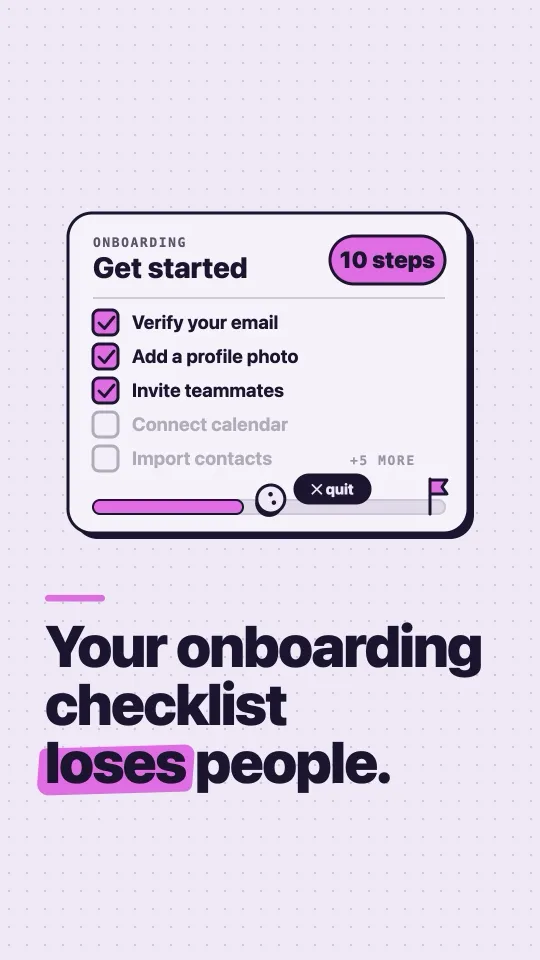
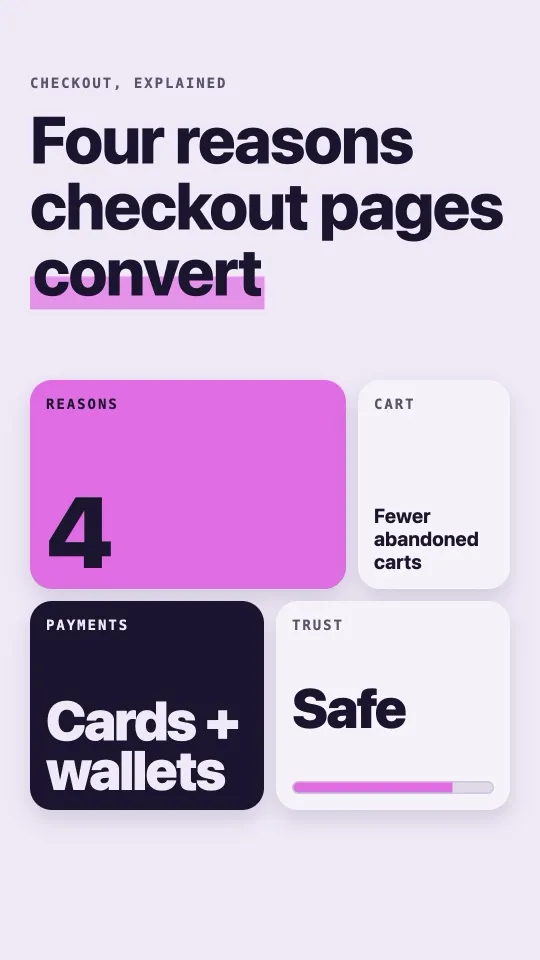
Covers of reels the Reelhouse app made on a Mac, taken from its own reels folder and shown as exported.
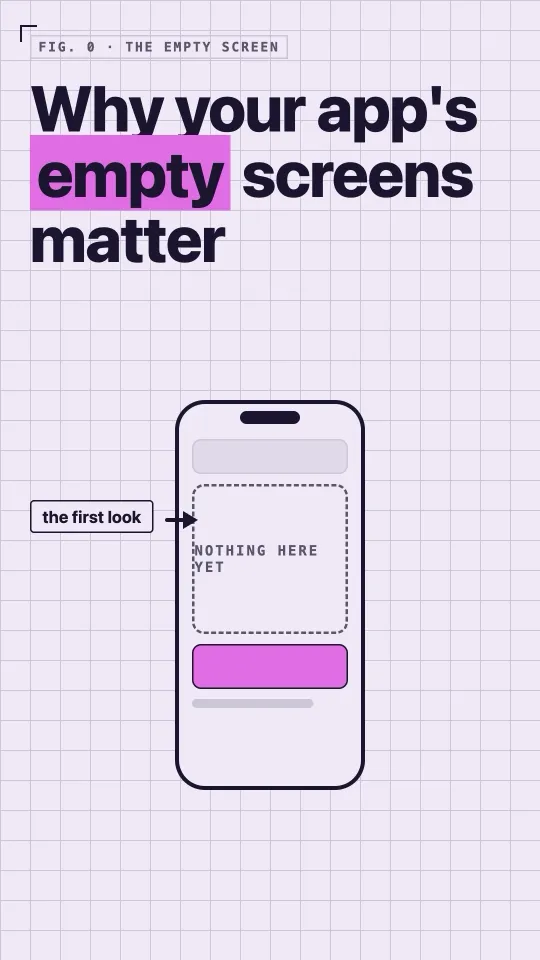
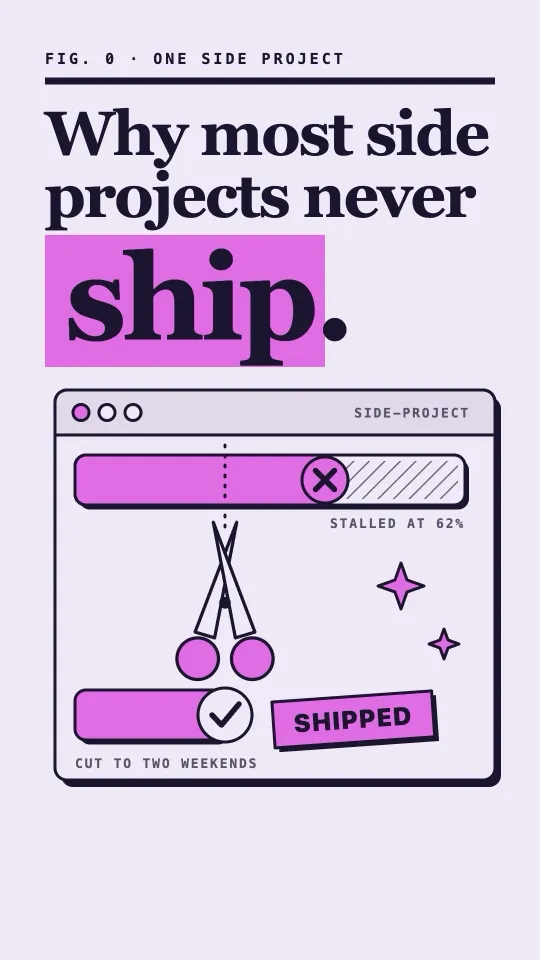
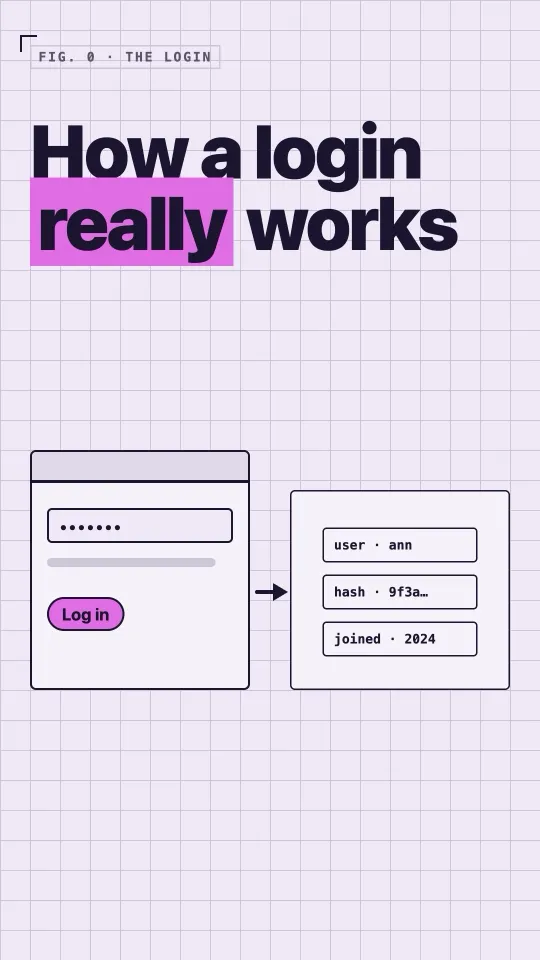
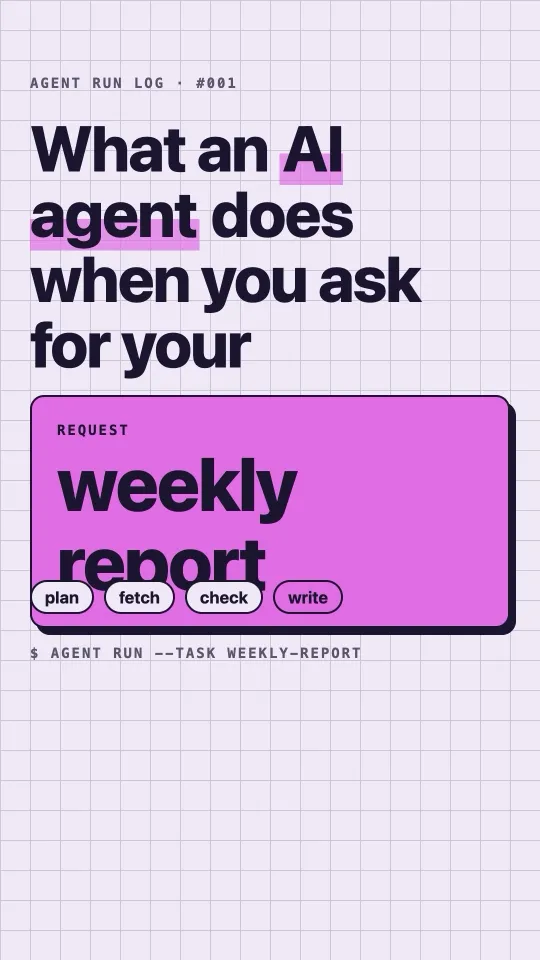
From the channel
The channel Reelhouse was built for, and now runs on.
5 tasks you still do by hand
Seven agents, one small server
Every human correction became a rule
117 alarms. Every one false.
AI bugs are planning mistakes
Memory dead 18 days. Nothing crashed.
Stop making mood boards
Ten tasks before any value
After the export
Send a reel to Instagram through your own Meta app, or through Zernio. Scheduling needs Zernio.
When someone comments your keyword, Reelhouse can send them one private message with your link. One per person, and only when you switch it on for that reel.
You connect your own Instagram, and you can disconnect it any time in Setup.
Questions
Each scene is designed and animated in code for what that line of your script says, and every frame is checked before the next scene starts. You watch each scene as it is built and can leave a note on any moment.
Install the app and sign in with Claude or ChatGPT to start. An ElevenLabs key and an Instagram connection are optional, and both live in Setup.
Your reels, scripts and voice files stay on your Mac, and we run no server that stores your data. Your script goes to the AI provider you sign in with, and to ElevenLabs only if you add a key. See the privacy policy.
Your own Claude or ChatGPT account, running locally. Your script goes to that provider, as it would if you used it directly.
Connect Instagram in Setup, through your own Meta app or through Zernio. You need a Business or Creator account. Scheduling needs Zernio.
They are off by default. Switch them on for one reel and pick a keyword. Anyone who comments that keyword gets one private message with your link, once per person, and nothing further.
There is no price yet. Early access is by email, with no card needed.
Follow the data deletion steps. It takes a few steps, and one email if you want us to confirm.
Reelhouse is in early access. Email us and we will write when a build is ready for you.
Get early accessJust an email. No card, and you can ask us to forget it any time.